

Ranges
Paint your ranges on the grid, and compare them with the equilibrium, with your real play, or find the best answer against them.
Titan › Ranges: your starting hand ranges, painted on the 13 × 13 grid.
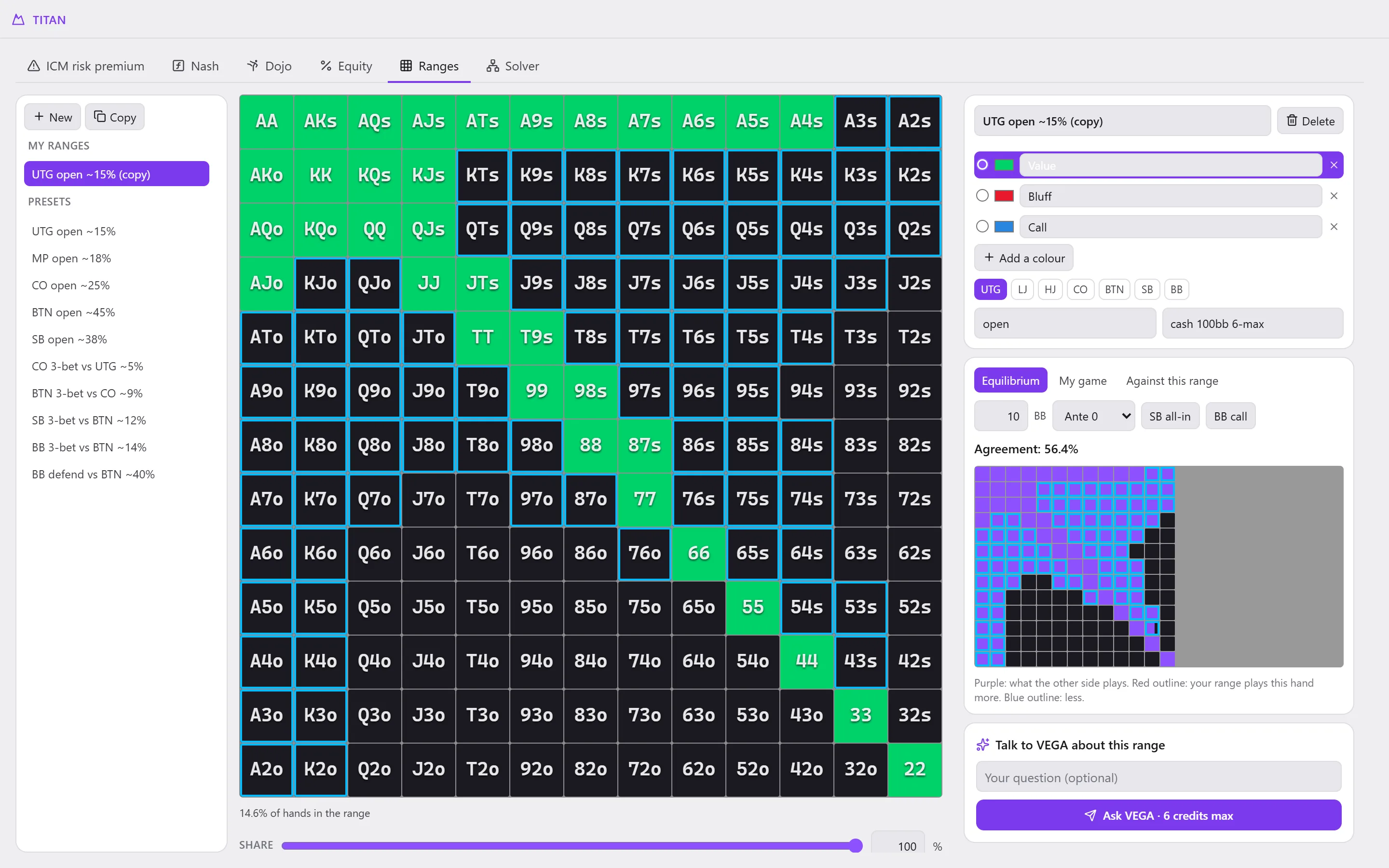
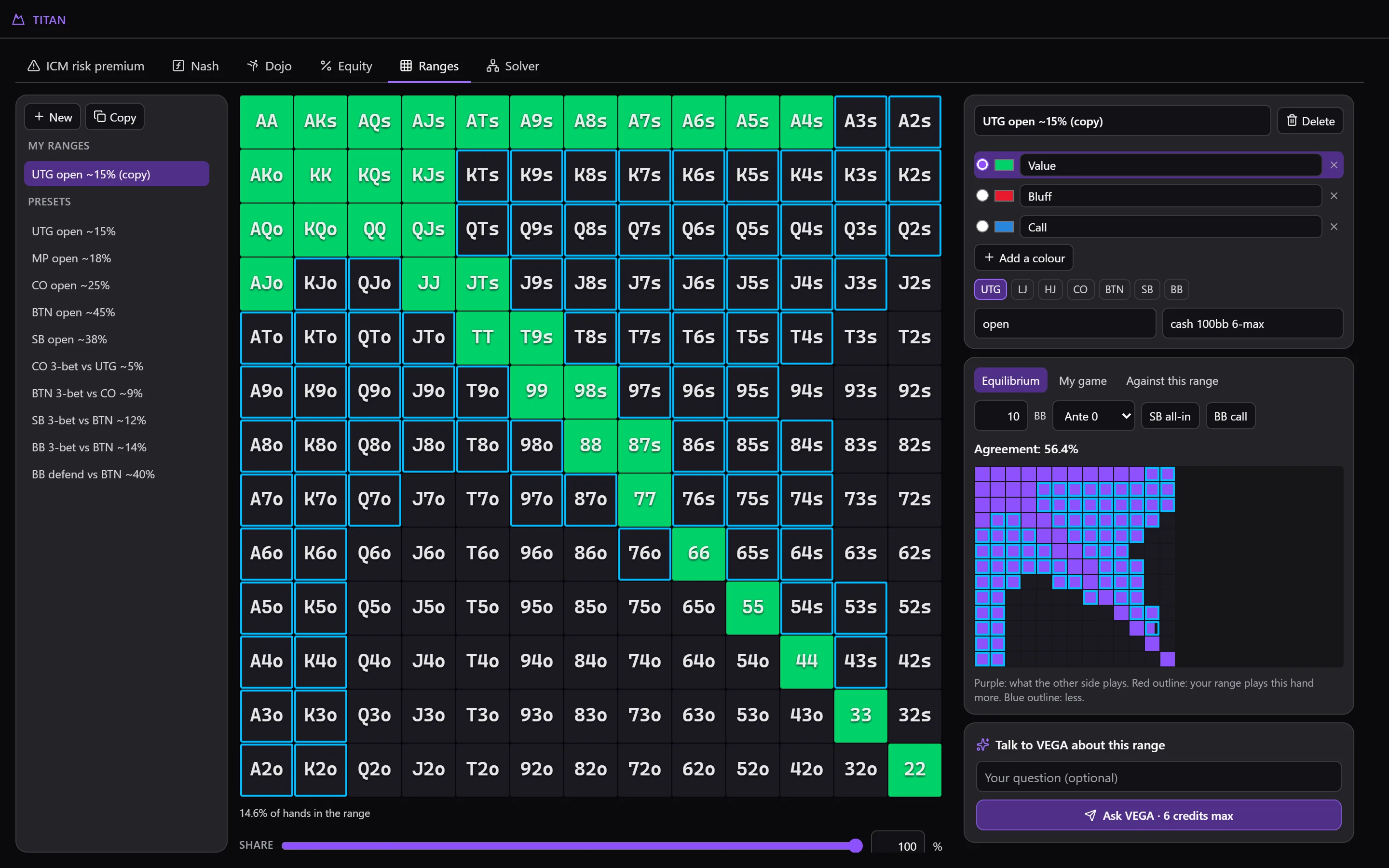
Your ranges
On the left, My ranges and the Presets (ready-made ranges, read-only: Copy turns one into a range of your own). New creates one.
- Range name, Category, Description, and the positions where it is used.
- Painting: choose a colour from the legend (Value, Bluff, Call, or Add a colour), then click or drag on the grid. Share splits a hand between several colours.
- Under the grid: the share of hands in the range.
- Everything saves by itself. Delete, then Confirm, erases a range.
Your ranges are also used in Equity and as the opponent in the Dojo.
Comparing
On the right, three comparisons:
- Equilibrium: the range against the Nash equilibrium in heads-up (SB all-in or BB call, with the Effective stack from 1 to 20 BB and the Ante). Agreement gives the common share; in violet what the other side plays, a red outline when your range plays a hand more, blue when it plays it less.
- My game: the range against what you really played (Read my hands, at one position or at all of them): called or raised preflop, all contexts together. Under a certain number of hands, the comparison is not reliable yet.
- Against this range: in heads-up, the range becomes your opponent's. I shove or I call: what you should play against it (in blue what to play, in red what to fold), how much adjusting gains compared with the equilibrium, and how often he folds. Hover over a hand for its details.
Talk to VEGA about this range: VEGA comments on it (its strengths, its leaks, what VEGA would change).
On Free
Creating and painting ranges is reserved for paid plans, as is the comparison with your play. The presets stay readable and usable in Equity.