

LIVE, the running session
A small window above your tables with the figures of your running session.
LIVE, in the top bar, opens the Running session window: the figures of the session you are playing, in a small window to keep above your tables. The LIVE button turns red while it is open.
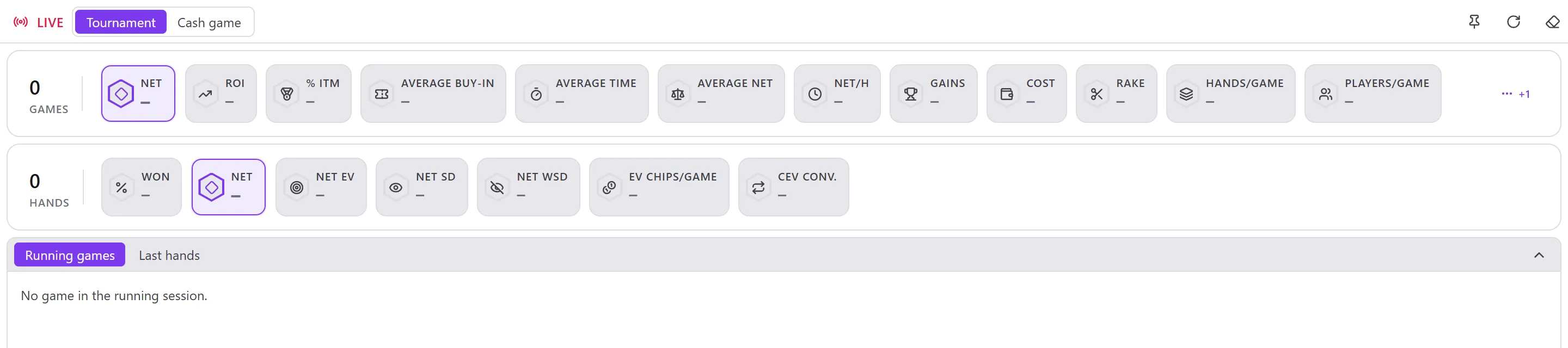
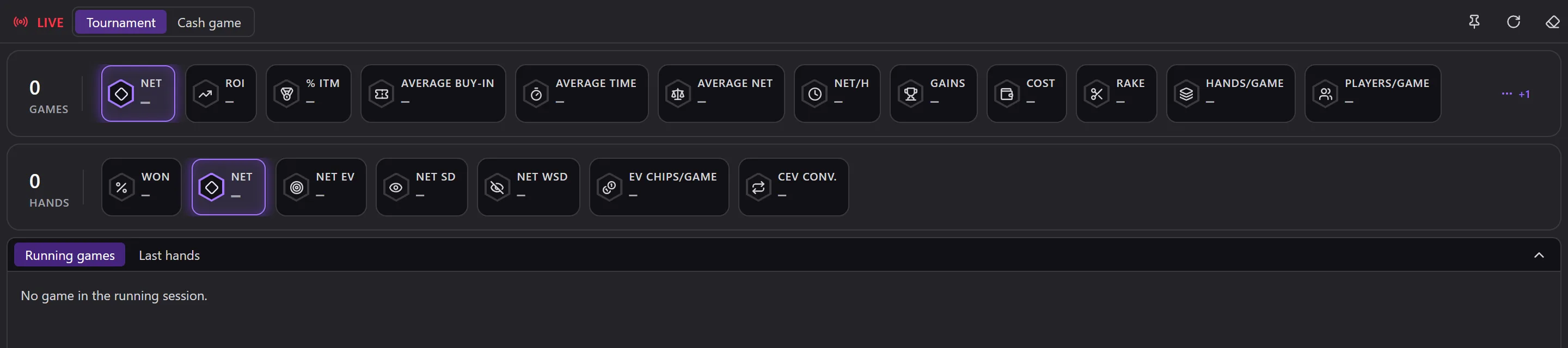
- Tournament / Cash game: the type of games followed (at first, the one of the main window).
- Two summary bars: the figures of the session's Games and those of its Hands, the same as in the Games and Hands modules. They update with every hand imported.
- The table at the bottom: Running games or Last hands; Collapse the table keeps only the figures.
At the top right:
- the pin: Always display this window on top;
- Refresh;
- the eraser: Remove finished games. They leave LIVE but stay in your database and in your stats, and a new game session begins. The same button is in Settings › Maintenance › Remove finished games (from LIVE).
The session follows the games played with the HUD since Opencards was launched; a manual import adds nothing to it. It is also an entry of the sidebar: Current game session (see Player and filters).