

Import options
Each setting of Settings › Import › Import options.
To open them: Settings › Import › Import options, or menu Import › Import options... Each setting is saved as soon as you change it.
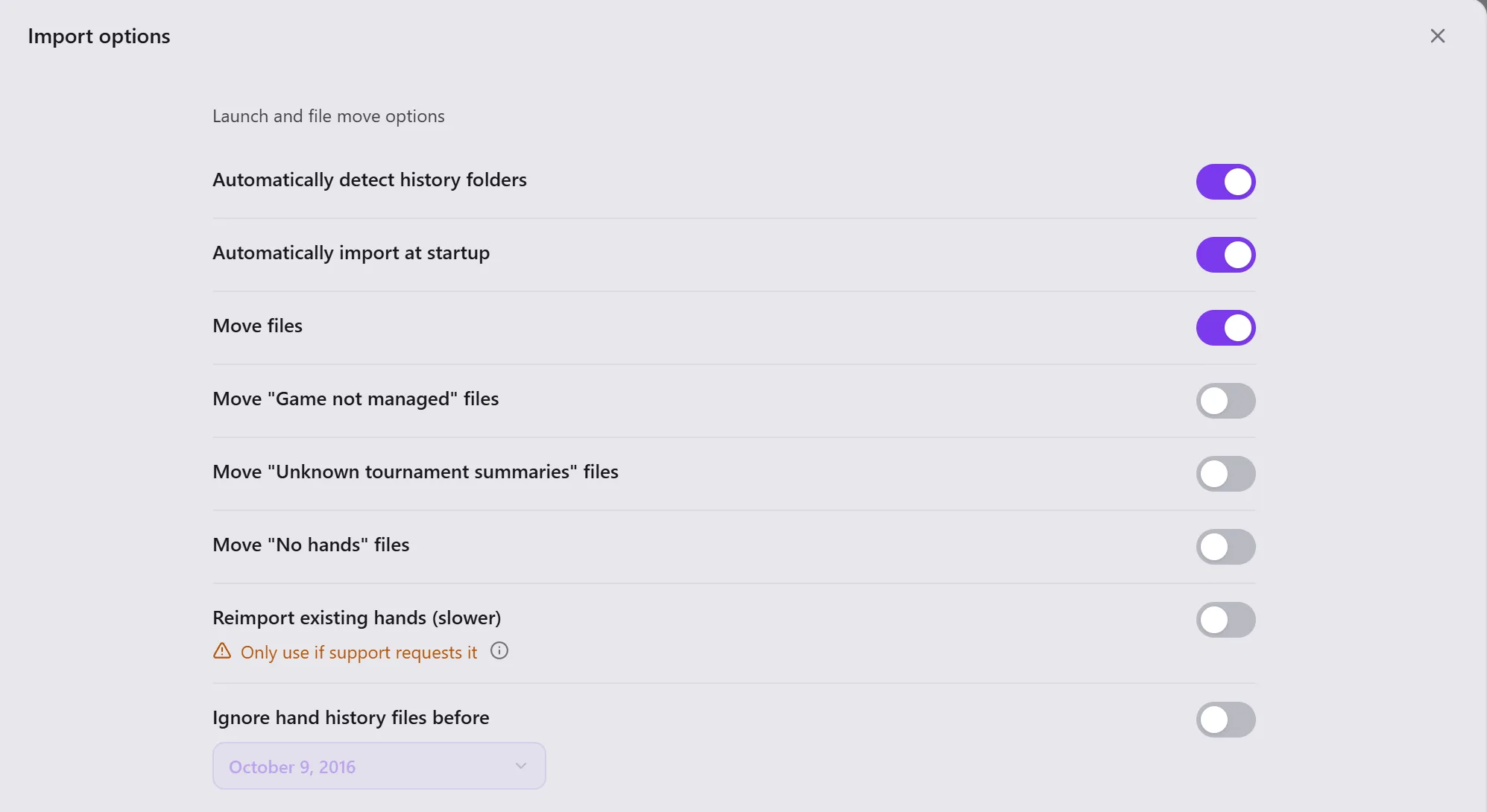
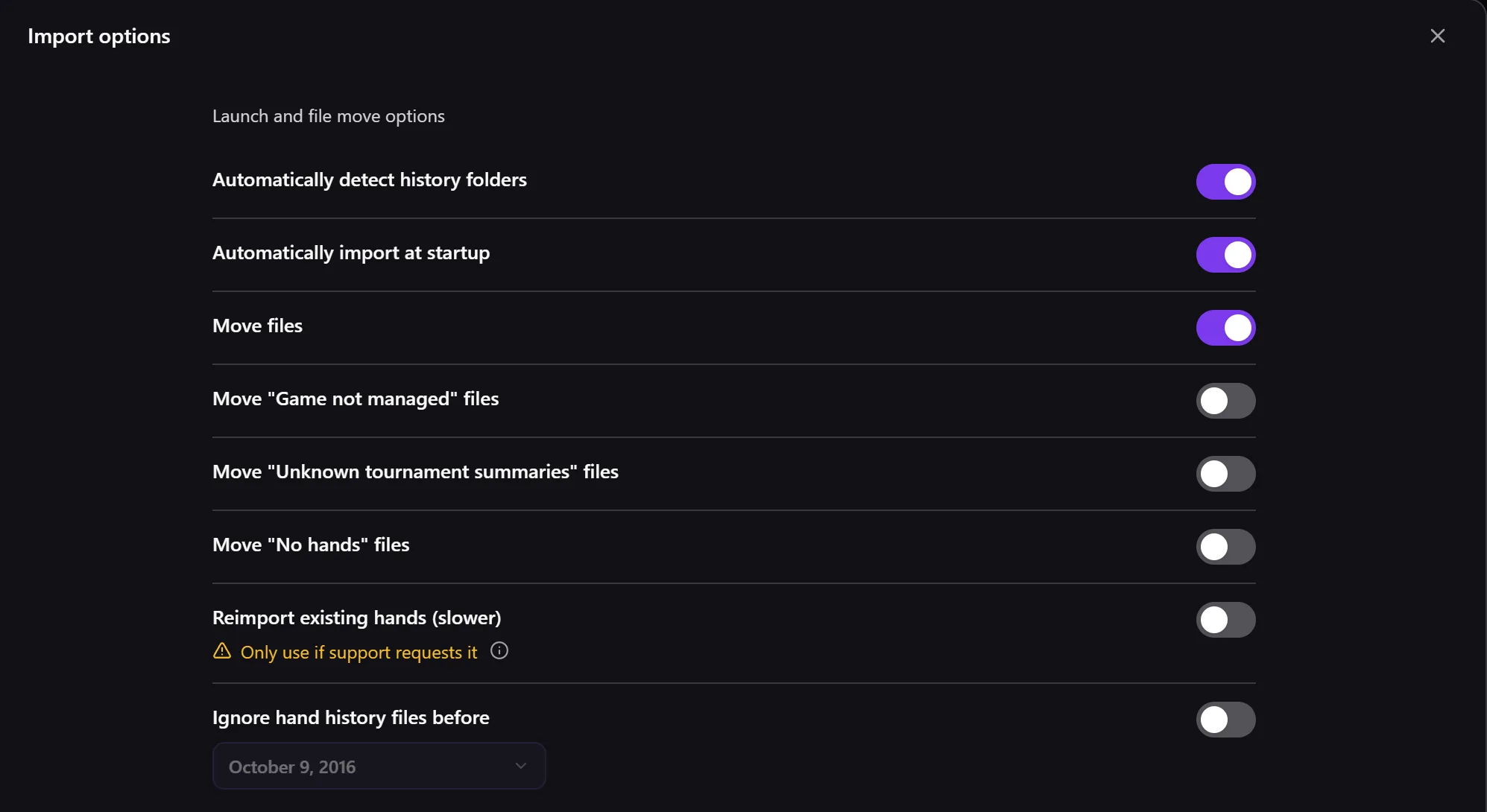
| Setting | What it does |
|---|---|
| Automatically detect history folders | Opencards looks for your rooms' hand history folders itself. |
| Automatically import at startup | Imports the new hands at each launch. |
| Move files | Puts the files read away in the Folder for processed files, out of your rooms' folders. |
| Move "Game not managed" files, "Unknown tournament summaries", "No hands" | Puts those files away too. |
| Reimport existing hands (slower) | Reads again the hands already in your database. Only use if support requests it. The HUD stops during this reimport; the option unticks itself when you start the HUD again. |
| Ignore hand history files before | Does not import the files older than the date chosen. |
| Folder for processed files | The folder where the files read go. Change... chooses another one: Opencards moves the files of the old one into it, after confirmation, and shows the progress. |
| Cloud sync of hand history files | Backs these files up on the Opencards servers: see Cloud sync. |
| Reset hand history folders... | Forgets all your rooms' folders. You will then have to detect them or add them again in Rooms. |