

Player and filters
Choose the player shown, search for games or hands, save your filters.
What the Games, Hands, Stats and Opponents modules show depends on three things: the player shown, the type of games (Tournament or Cash game) and the filter chosen in the sidebar.
The player shown
The menu at the very top of the sidebar says who is shown:
- All my heroes: all your nicknames at once (those turned on in My nicknames);
- one of your nicknames (A hero), to choose in the list or with Search a nickname;
- An opponent: Search a player..., or one of the Recent opponents. The whole module then shows their game.
My nicknames, at the bottom of the menu, opens the setting of your nicknames.
The sidebar
| Entry | What it shows |
|---|---|
| Search (Ctrl+F) | Opens the filters window for a search. |
| All games (Hands: All hands, Opponents: All data) | Everything, without a filter. |
| Bookmarks | What you have bookmarked (the star of a row). |
| Recently viewed | What you have opened lately. |
| Current game session | The games of your current game session (see below). |
| Last search | Appears after a search: its result. |
| My filters | Your saved filters, sorted into folders. |
The number to the right of an entry counts its games (or its hands, its players).
The current game session
A game session begins when Opencards is launched. Only the games played with the HUD running (those of your tables) go into it: a manual import adds nothing to it. It ends when Opencards restarts, or when you remove the finished games from LIVE (Remove finished games, in the LIVE window or in Settings › Maintenance); no time limit closes it.
Current game session shows the last session that had games: the one of the current launch, or the previous one if you have not played since.
Searching
- Click Filters above the list (it starts from the filter shown), or Search (it starts from your last search).
- Choose your criteria. The Global tab applies to all games, the Tournaments tab (or Cash games) to those of that type; in Hands and Opponents, other tabs are added (the hand, the villain, the player). A tab that holds criteria has a dot.
- Search applies the search and closes the window; Apply applies it without closing it; Reset clears the criteria.
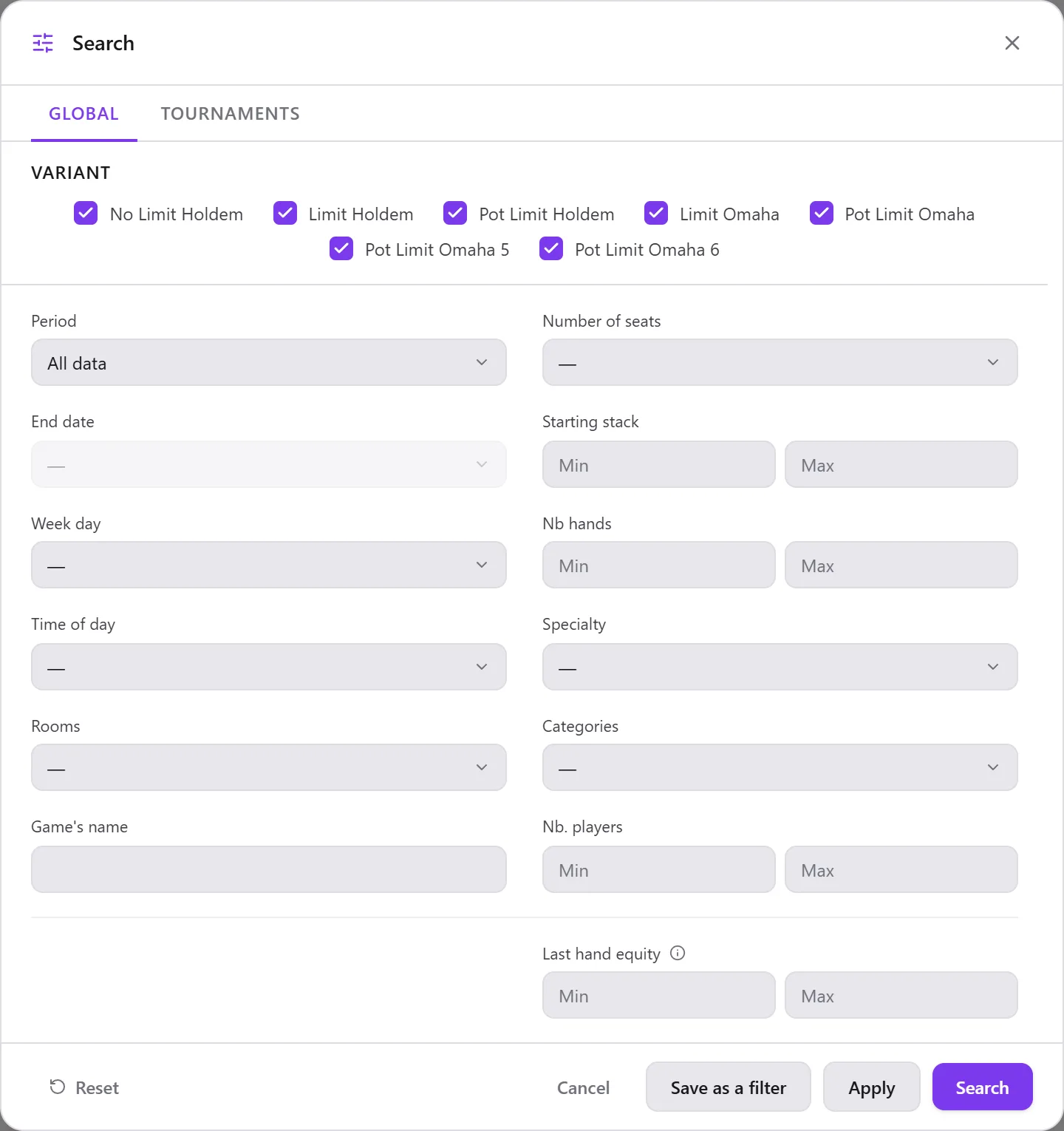
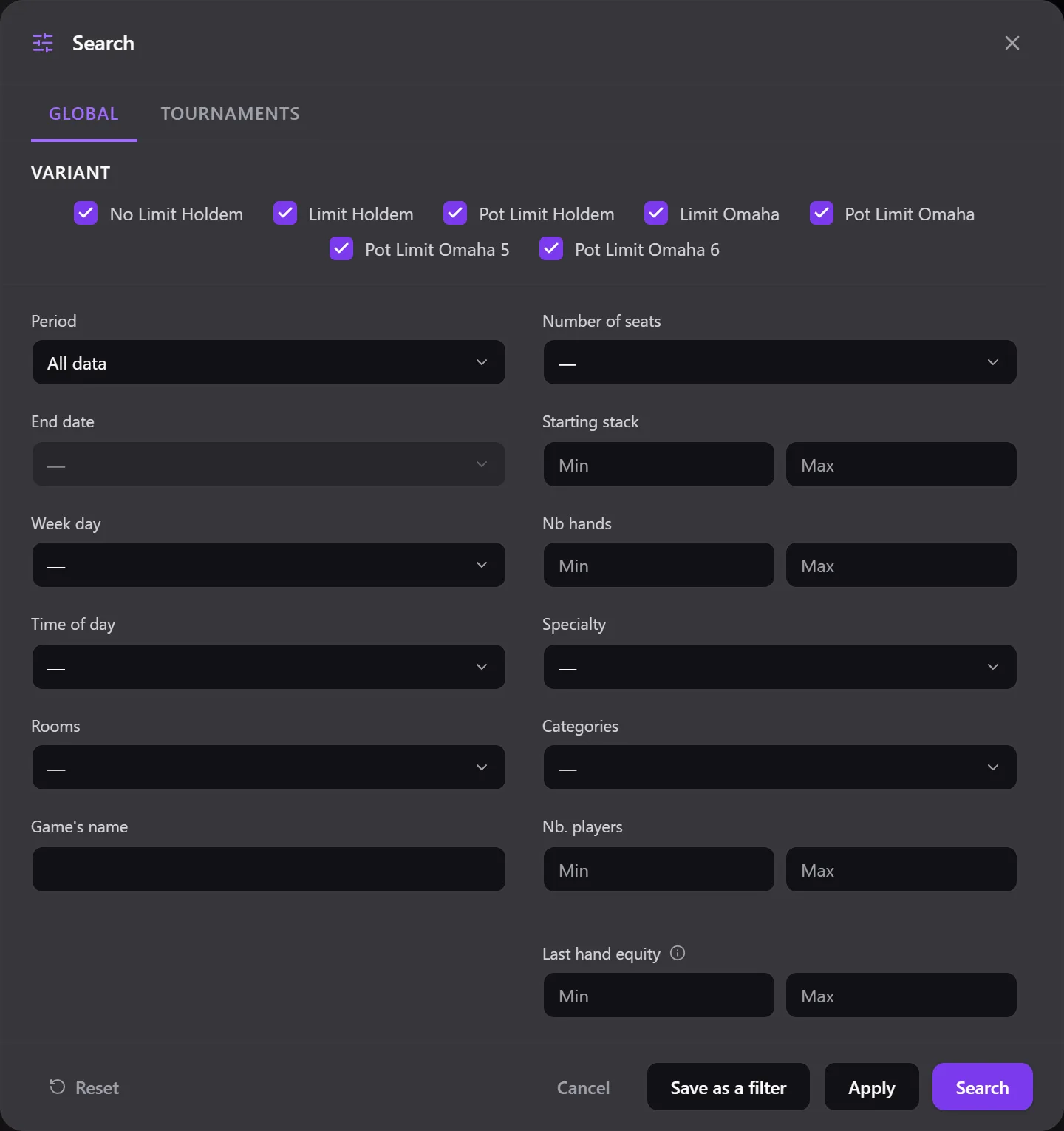
The criteria applied are displayed above the list, each with its cross to remove it.
Saving a filter
- From a search: Save as a filter, then give it a name (two characters at least, a name not taken yet).
- Or + next to My filters: New filter, New folder.
A saved filter is stored in My filters:
- click: show it; double-click on its name: rename it;
- its menu (the three dots, on hover): Modify, Duplicate, Move to a folder (or Out of any folder), Delete;
- a folder's menu: New filter here, New subfolder, Delete the folder (its subfolders go too, its filters stay, out of any folder);
- drag and drop: before or after another filter, into a folder, or at the very bottom to take it out of its folder.
The filters of Games, Hands and Opponents are separate, and so are those of tournament and cash game.