

A player's window
The window that opens from a HUD label: the player's stats, a stat's detail, their notes.
A click on a HUD label opens that player's window (see the clicks): on their notes with a left click, on a stat with a right-click. A double-click opens their full profile, in the same layout.
The top bar
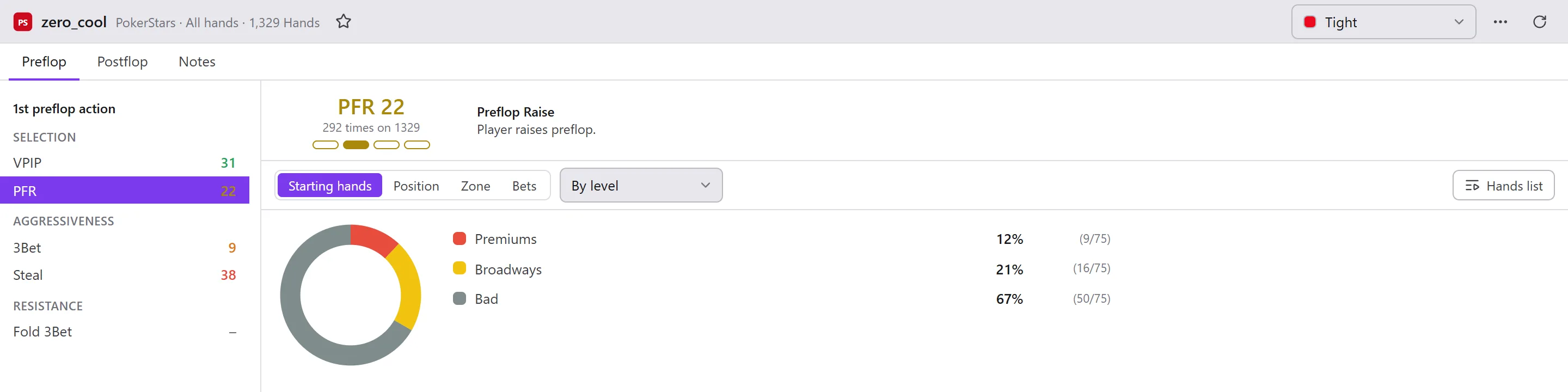
The nickname, the room, what the figures count (the hands read), then:
- the star: bookmark the player;
- the player's Manual category, to choose from the list;
- the Open menu (the three dots): Games, their hands (Hands list, Hands results, Hands evolution), Copy nickname, Copy notes, Copy nickname and notes, Copy stats, Export stats...;
- Refresh: counts the figures again.
The stats
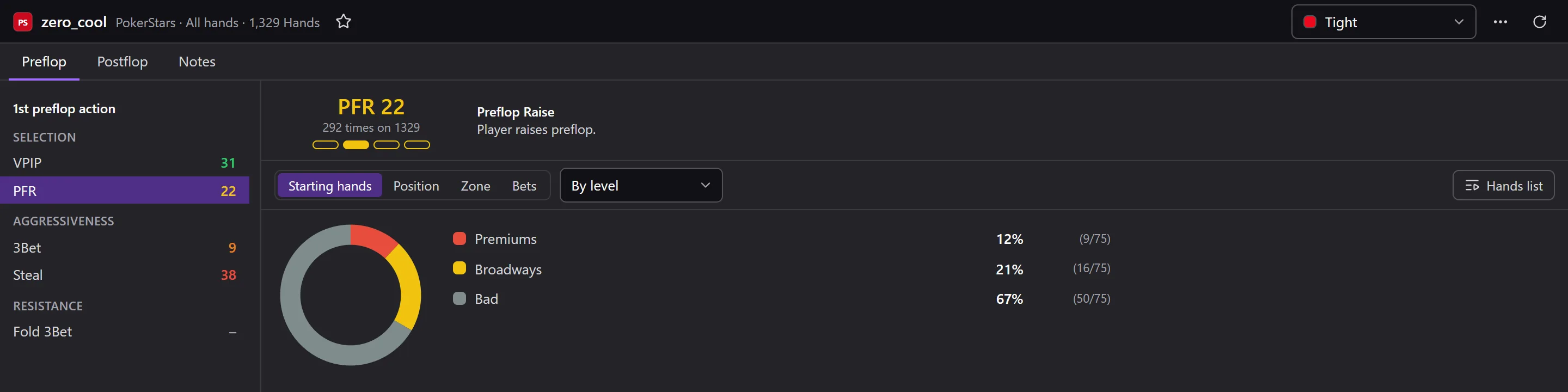
The tabs are those of the label (for example Preflop and Postflop), plus Notes. On the left, the tab's stats, arranged by block, each in the colour of its zone. Click a stat to see, on the right:
- its value, “… times out of …”, and the zone it falls in;
- its full name and what it counts;
- its breakdown: Starting hands, Position, Zone (of stack), Bets (and Opponents bets), in By level or Detailed view;
- Hands list: the hands of this stat. A click on a part of the breakdown replays its hands in the replayer.
An “info” (number of hands, EV…) has only one figure, with no detail.
Notes
The Notes tab: your notes on this player.
- Add date, Add game name, Add a link to hand #… (this player's last hand at this table): inserted where the cursor is.
- A link to a hand, underlined, opens it in the replayer.
- Save or Cancel. With Auto save notes ticked in the HUD options, your notes are saved while you type; otherwise, closing the window with unsaved notes asks you what to do with them.
The same notes open from the Opponents module.