

My HUDs and stat profiles
Creating, duplicating, importing your HUDs and your stat profiles, and choosing the ones used by default.
A HUD decides what the labels on your tables show. A stat profile decides what a player's full profile shows (the double-click on their label, the Stats module). Each HUD has its profile.
To manage them: Settings › HUD › My HUDs and Settings › HUD › Stat profiles, or the HUD menu of the top bar (My HUDs..., Manage profiles...).
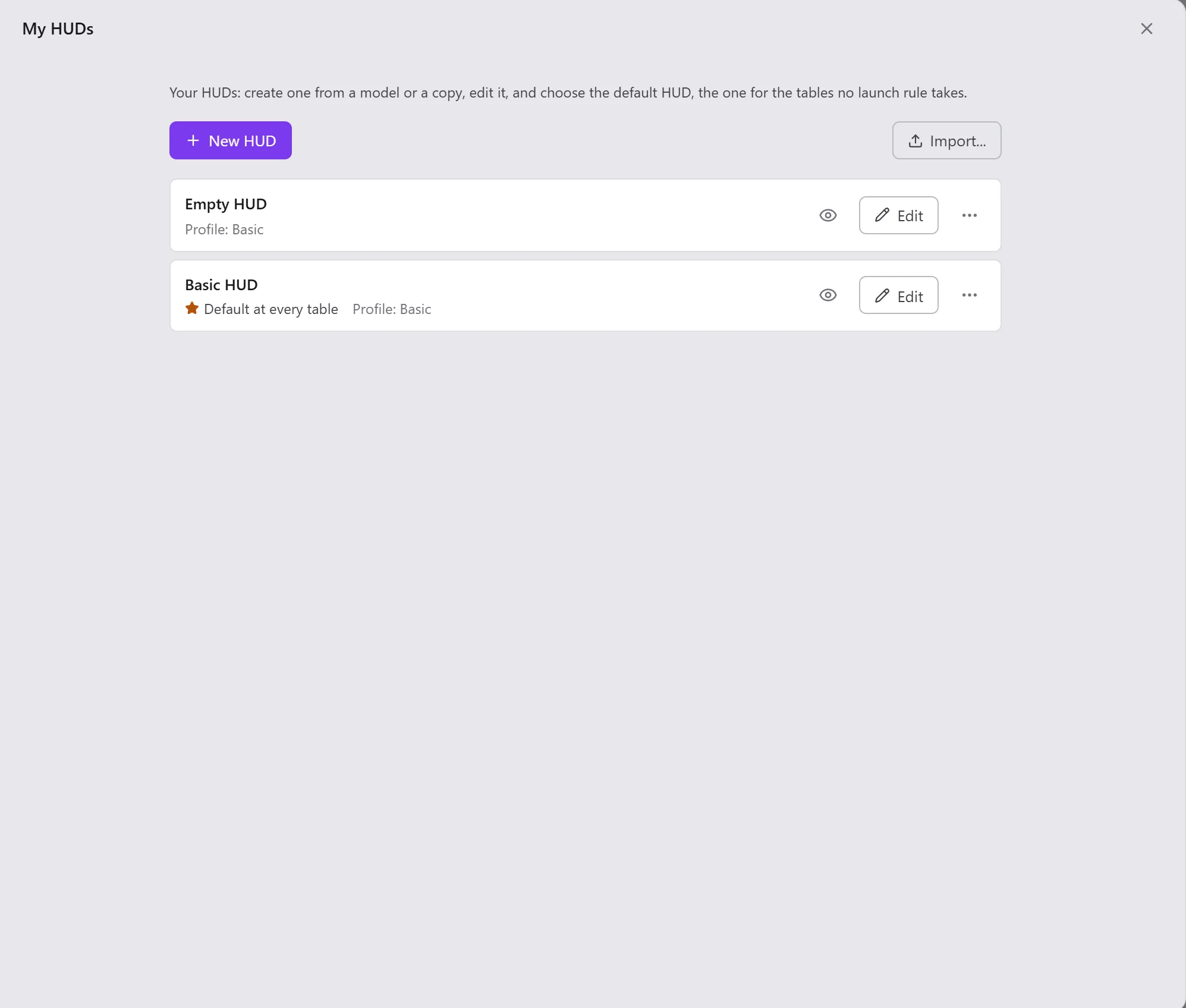
Creating a HUD
New HUD, then choose where it starts from:
- Empty HUD or Basic HUD;
- a Simple or Advanced template, for Heads Up HUD, Short Handed HUD or Full Ring HUD;
- or the copy of one of your HUDs (Duplicate, in its actions).
It opens in the editor.
Importing a HUD
Import..., then choose a file: a HUD exported by Xeester (.txt) or by PokerTracker 4 (.pt4hud). For a
PokerTracker 4 HUD, Opencards says what it took over (the number of stats and their tabs) and what it left out (the
stats Opencards does not count the same way, or does not have). Open in the editor to check.
A profile is imported the same way, from a file exported by Xeester (.txt).
A HUD in the list
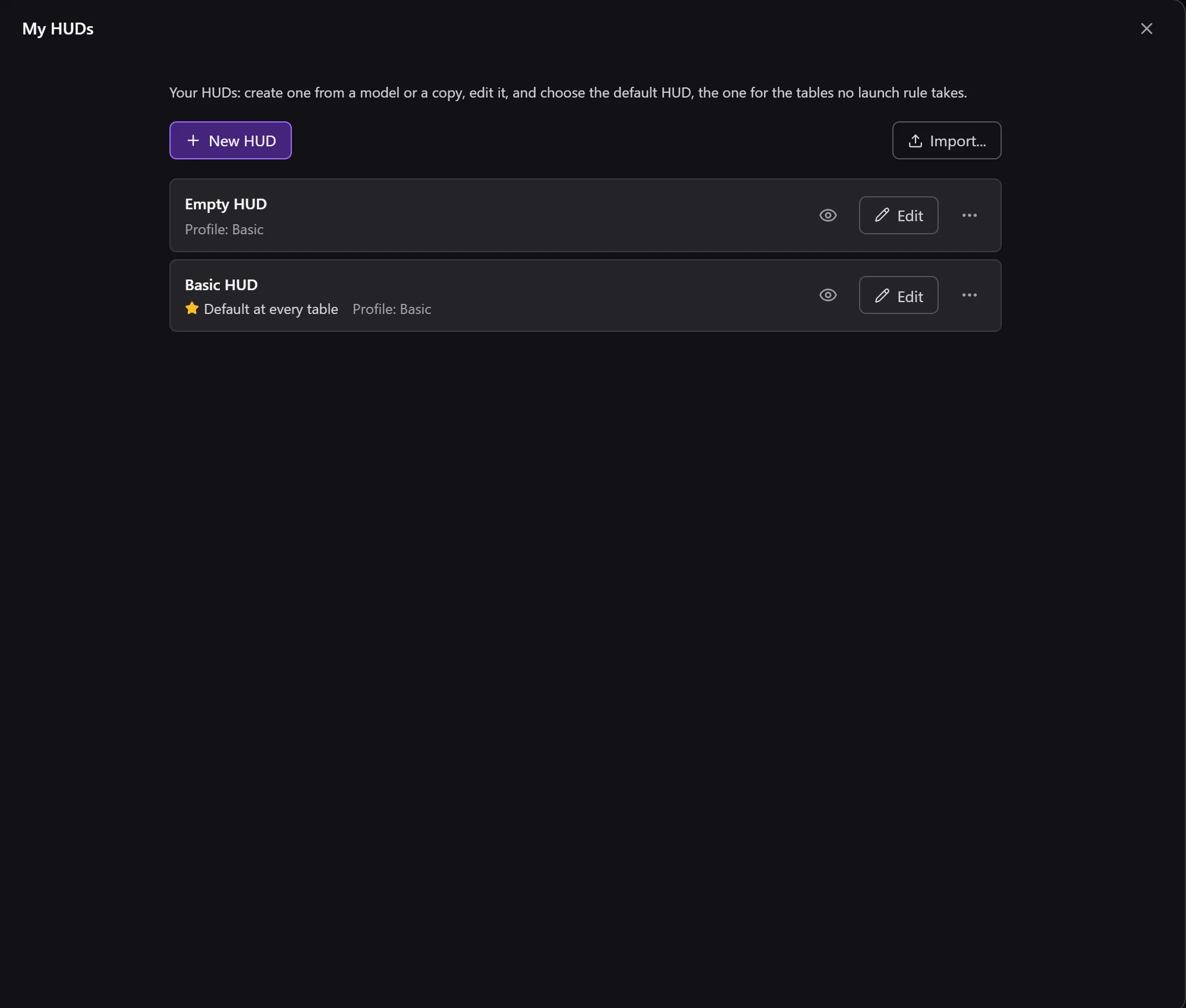
Each line says whether the HUD is used by default (Default at every table, Default at … players) and its profile (Profile: …). The eye (Preview and content) shows its label and its content below the line.
- Edit: the editor, in its own window;
- Actions on …: Duplicate, Rename, Export, Use by default, Delete (the last HUD cannot be deleted).
The default HUD
The default HUD is the one for the tables that no launch rule takes. For a HUD specific to some tables (a format, a table size, a specialty), write a launch rule.
Stat profiles
Same list, same actions: New profile, Default profile, and for each one the number of HUDs that use it (Used by … HUD(s)). A profile is edited in the same editor as the HUDs.