

Stats: the profile
All of a player's stats on the hands of the filter, and the detail of each one.
Data › Stats has three displays, to choose on the modules' line: Profile, Leaks and Population. They all cover the hands of the sidebar's filter, of the player shown (you, one of your nicknames, or an opponent), and one variant (No Limit Holdem, Pot Limit Omaha…) to choose in the list next to the modules.
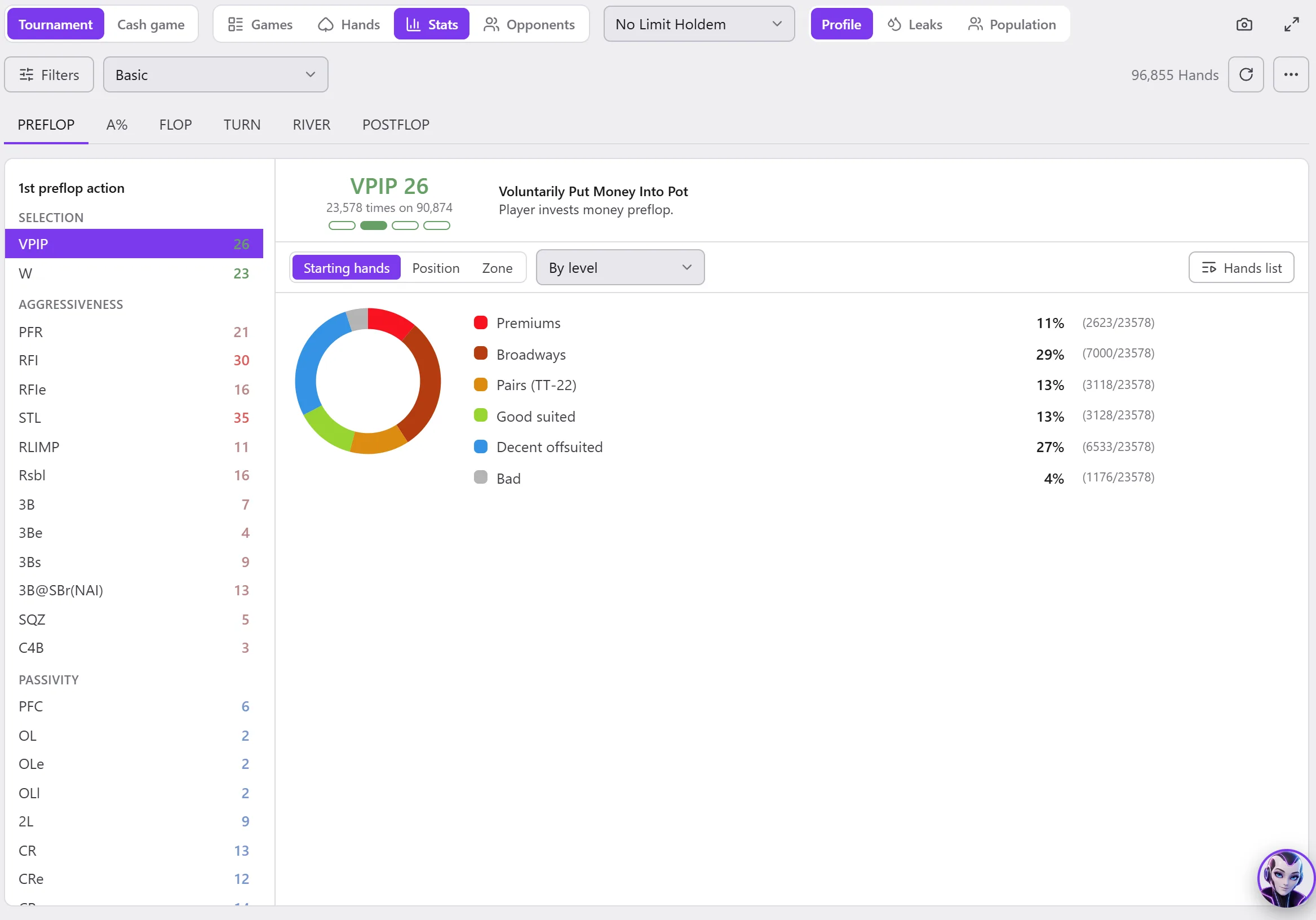
The profile
- Profile (the list below Filters): the stat profile shown. A profile is created and edited like a HUD: see My HUDs and stat profiles.
- The profile's tabs (PREFLOP, FLOP, TURN, RIVER…), then its stats arranged by block, each in the colour of its zone.
- On the right, the number of hands read.
For an opponent, the bar also shows their bookmark star, their category and their notes.
A stat's detail
Click a stat:
- at the top, its value, “… times out of …” and the zone it falls in, its full name and what it counts;
- its breakdown, as you choose: Starting hands, Position, Zone (of stack), Bets (and Opponents bets);
- Display: By level, Detailed, or Distribution (the 13 × 13 grid of starting hands, each cell all the brighter as the stat was made there often);
- Hands list: the hands of this stat. A click on a line of the breakdown, or on a cell of the grid, opens its hands in the Hands module.
An “info” (number of hands, bb/100, net…) has only one figure, with no detail.
The same detail on the table
The player's window, opened from the HUD, shows the same detail; its hands open in the replayer there.