

The replayer
Replay a hand or a game, action by action, with its log, its equity and the HUD.
The replayer replays your hands on a table, action by action. It opens from almost anywhere: a double-click on a game or a hand, Replay, the HUD menu, a hand in the HQ, a link in notes, an answer from VEGA, a hand shared in the chat.
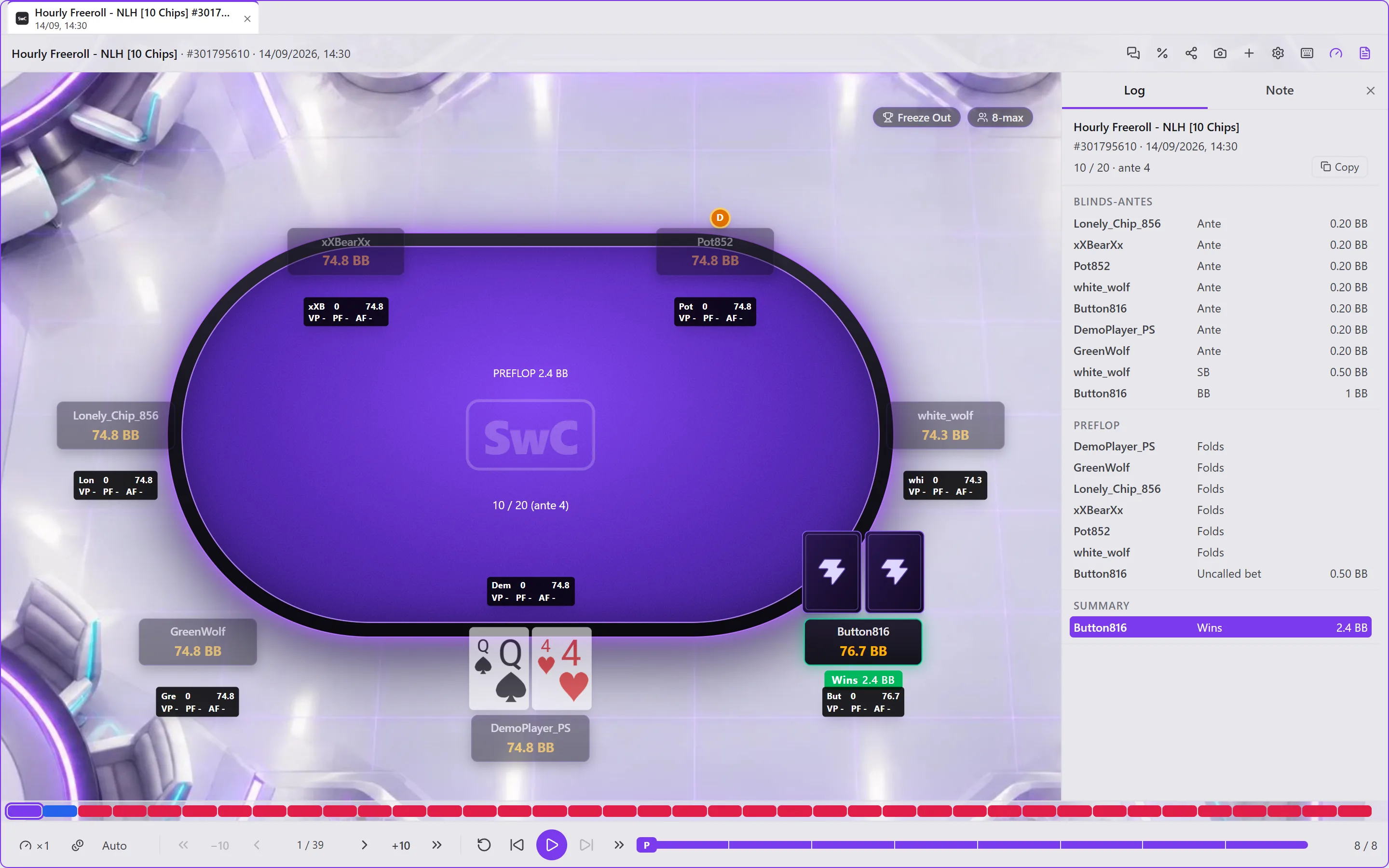
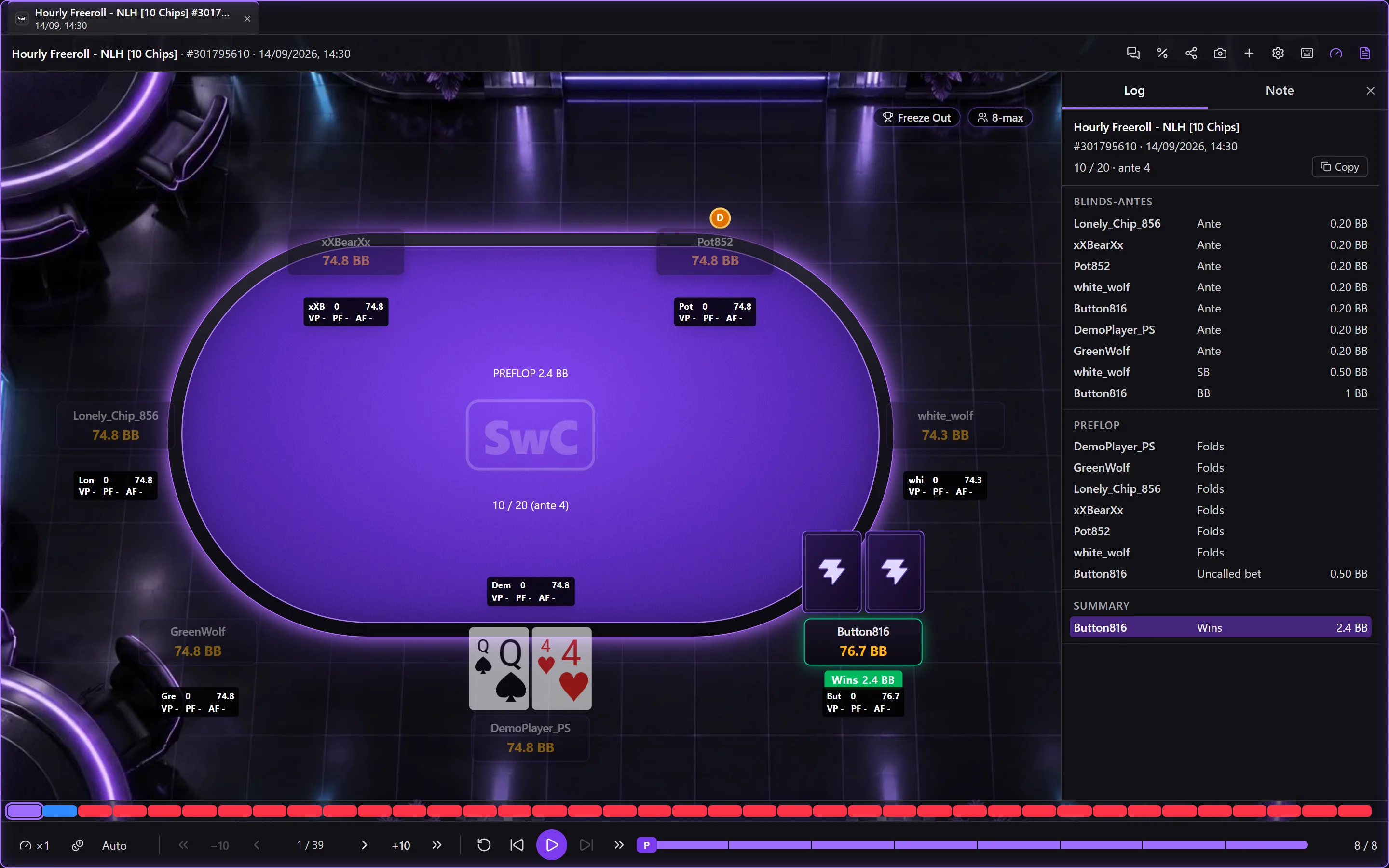
The tabs
Each hand or game opened is a tab of the replayer window; a hand opened elsewhere arrives as a tab of the last window. Right-click on a tab: Detach into a window, Close this tab, Close the other tabs, Close the tabs to the left, Close the tabs to the right, Close the window. With several windows, Gather the … replayers here, as tabs brings them together. Esc closes the window.
Replaying
At the bottom:
- the bar of the game's hands, one mark per hand, coloured according to whether you won or lost chips; a click goes to that hand;
- the speed and the unit (Auto: in BB in tournaments, in money at cash games; or Chips);
- First hand, 10 hands back, Previous hand, the hand's number, Next hand, 10 hands forward, Last hand;
- Back to the start of the hand, Previous action, play / pause, Next action, Go to the end of the hand;
- the hand's progress, with the start of each street: a click goes there.
| Shortcut | Action |
|---|---|
| ↑ / ↓ | Previous / next action |
| ← / → | Previous / next hand |
| Page Up / Page Down | First / last hand |
| Home / End | Start / end of the hand |
| Enter or Space | Play / pause |
| Esc | Close the window |
The keyboard icon in the top bar lists them. You change them in Keyboard shortcuts.
The top bar
From left to right, after the game's name and the hand's number:
| Button | What it does |
|---|---|
| Bubbles | Share in the chat: the hand goes with your next message in the HQ chat. |
| % | Work out the equity of this moment of the hand, in Titan: opens Equity on the hand as it is on the screen. |
| Share | Export the hand (see below). |
| Camera | Screenshot: the table to the clipboard. |
| + | Open this hand in a new tab. |
| Cog | Replayer options. |
| Keyboard | Keyboard shortcuts. |
| Gauge | HUD on the table: shows or hides the HUD. |
| Document | Log and note: shows or hides the right-hand panel. |
A star is added when the hand is bookmarked.
The log and the note
The right-hand panel has two tabs:
- Log: the hand street by street (the player, the action, the amount), with the moment displayed marked. A click on a line goes there. Copy puts the hand as text on the clipboard.
- Note: your note on the hand. Write it here: Add date (Ctrl+T) inserts the date where the cursor is; Save or Cancel appear as soon as the text changes. The hand pauses while you type.
The replayer's HUD
With HUD on the table, the HUD's labels sit on the replayer's table, with their menu, as on a real table: a click on a label opens the player's window. The HUD is the one chosen in that menu, otherwise the hand's one. Show all data for opponents (Settings › Replayer) counts an opponent's stats over all their hands, not only those before the hand replayed.
Exporting a hand
Export the hand: choose the Format (Text, Club Poker (BBCode), Two Plus Two (BBCode), HTML), Hide the nicknames if you want, and what the export shows (Positions, Blinds, Streets, Nets). The preview follows your choices; Copy puts the whole thing on the clipboard.
The options
Replayer options, or Settings › General › Replayer:
- When a hand opens: Game review mode (the hand plays from the start) or Hand summary mode (it opens on its end);
- Continuous play: a finished hand moves on to the next one;
- Show opponents' cards, Show nicknames, Show the pot of each street;
- Table and cards: for each theme (Style for), the Background (By specialty, Neon, Classic tournament, KO, Satellite, Jackpot, Shootout, Fast fold, Cash game), the Table colour, the Card face and the Card back.