

Results and evolution
Your results grouped by period, limit, position or starting hand, and their curves.
The Games and Hands modules have three views, to the right of the modules' line: List, Results and Evolution. They all cover the same filter.
Results
One line per group, with the summary bar's figures for each one, and a Total line.
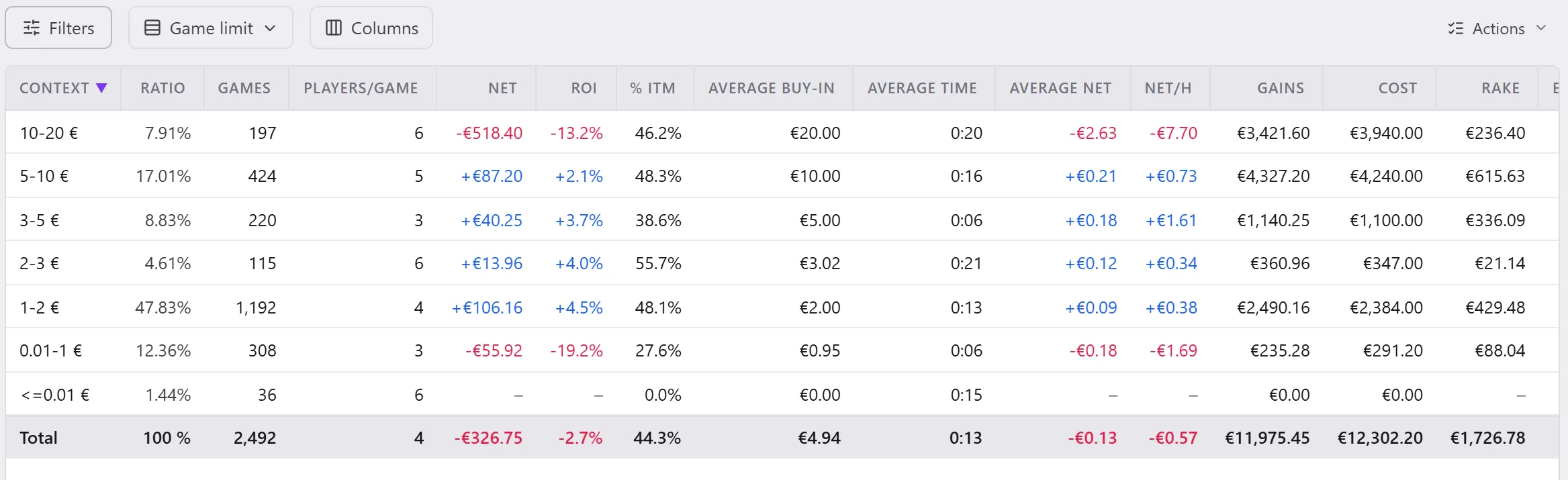
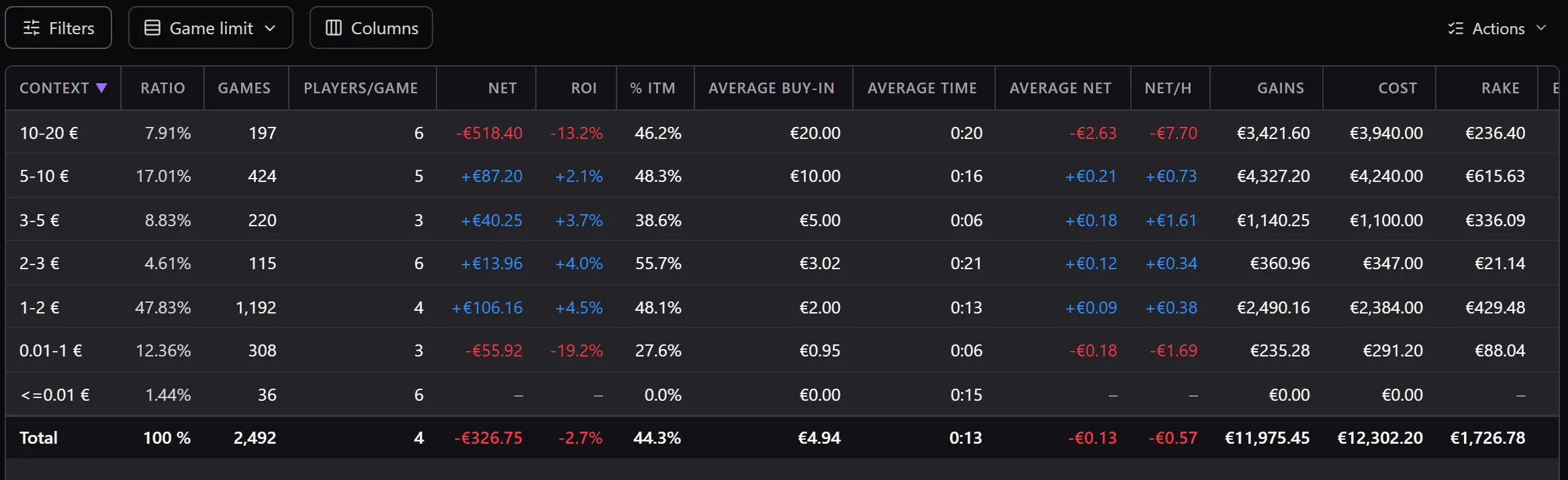
- Group: the menu next to Filters chooses the grouping.
- In Games: a Period (day, week, month…), the limit, the room, the hero…, and the groupings specific to tournaments (Tournament).
- In Hands: a Period, the shared groupings, the Context (the position, the stack zone…), the starting Hands, the Action.
- Columns chooses the figures shown; a click on a heading sorts.
- A line opens with Open games (or Open hands) and Open curves, in the Actions menu, with a right-click, or with a double-click: its criteria are added to the filter.
- Export all writes the table to a file.
- In Hands, Matrix shows the starting hands on the 13 × 13 grid, with the number of hands played and the result of each one.
The limits and the stack zones of the groupings are set in Settings › Data.
Evolution
The filter's curves, added up game after game (or hand after hand), or by period (Group by).
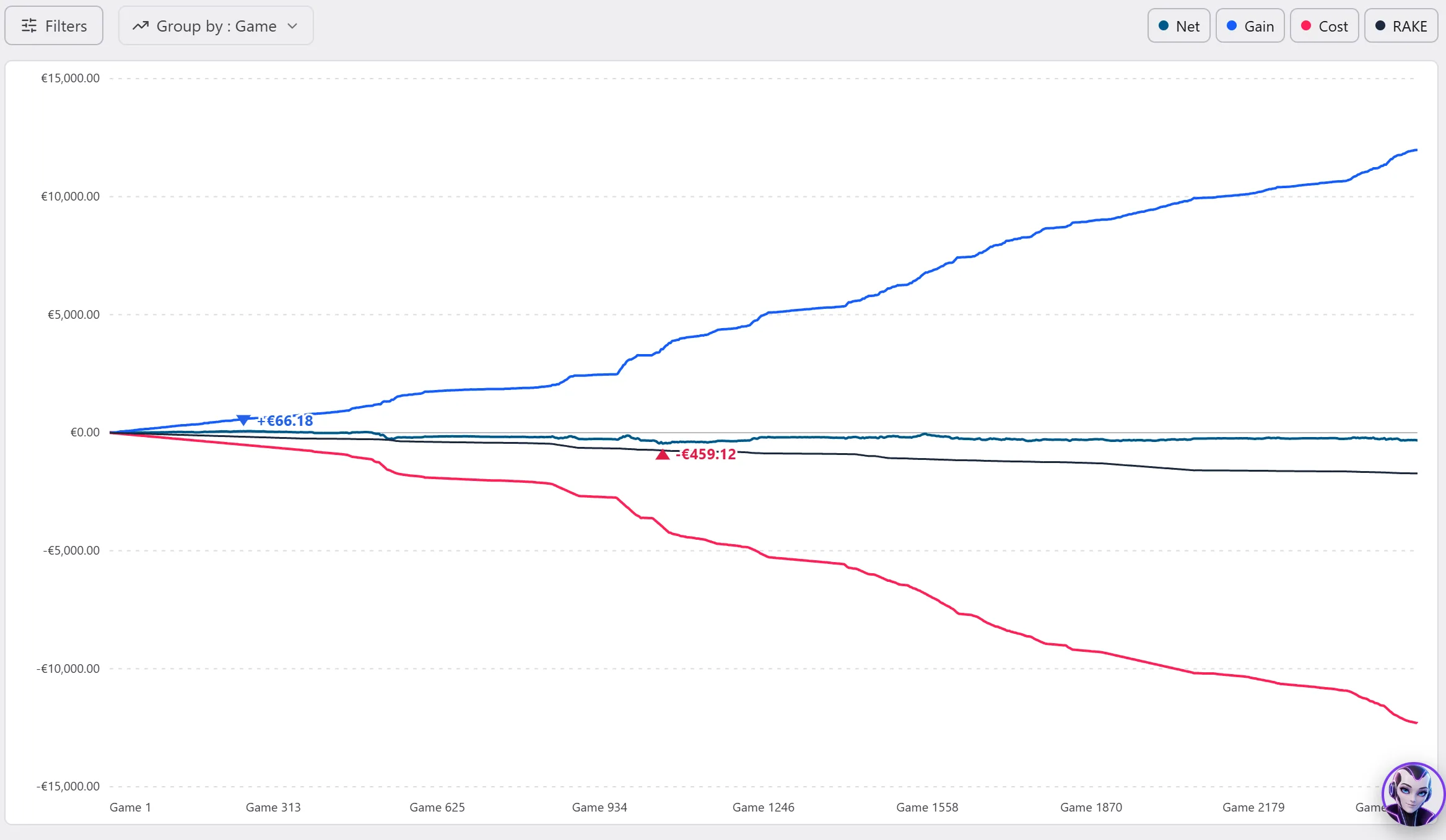
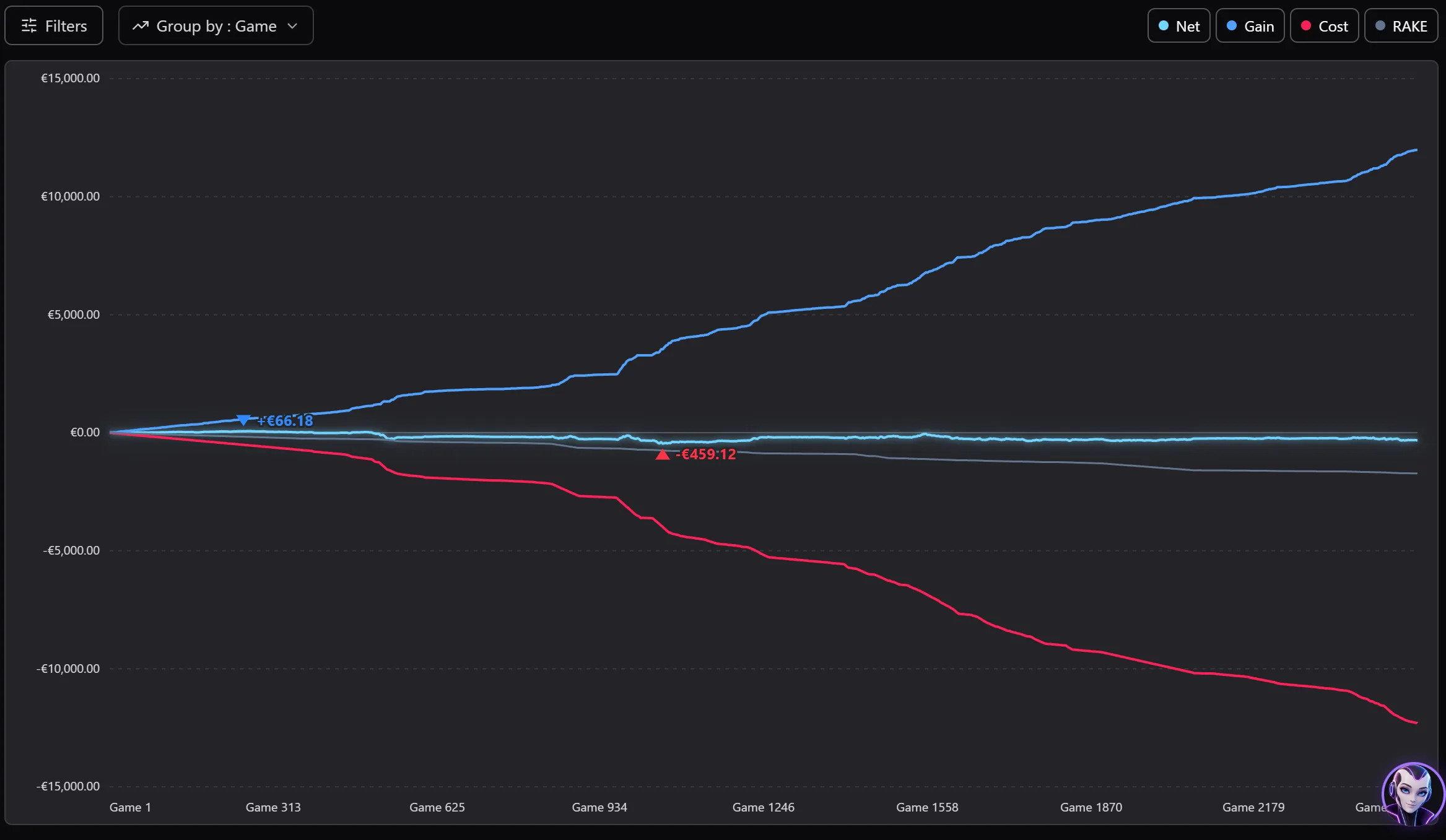
- Tournament games: Net, Gain, Cost and Rake (the cost and the rake below zero); in cash game: the net, the net EV, the cost and the rake.
- Hands: the net, the EV, the EV by street, the net at showdown (SD) and without showdown (WSD), and the cash game rake, in the unit chosen by Info in.
- For an opponent shown: their net against you (VS HERO).
- The legend turns each curve on or off; the pointer reads the value of a point.
The curves are smoothed if Smooth graphics curves is ticked in Settings › General › Appearance.