

Opponents
The players you have met: finding them, categorising them, taking notes, comparing two players.
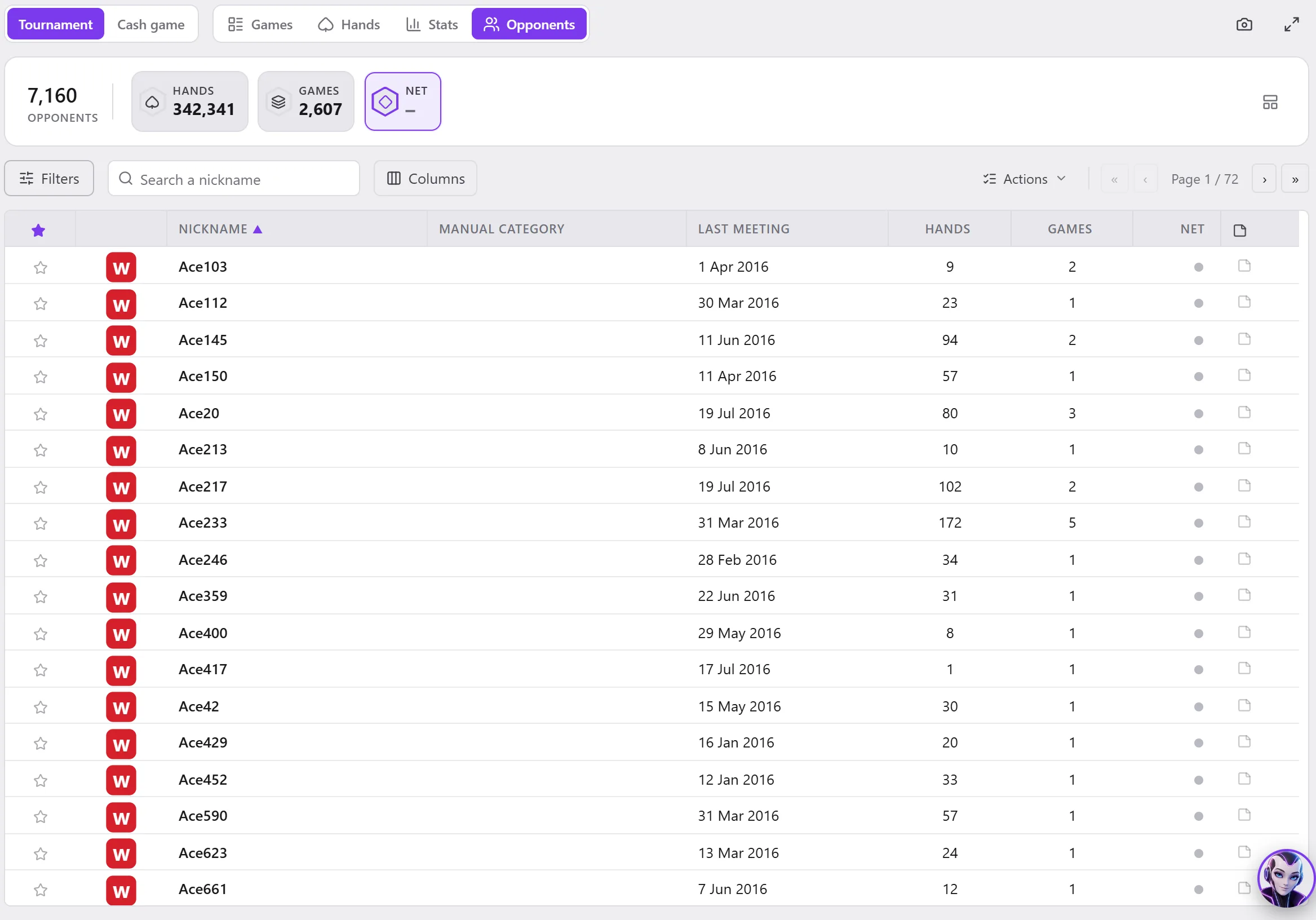
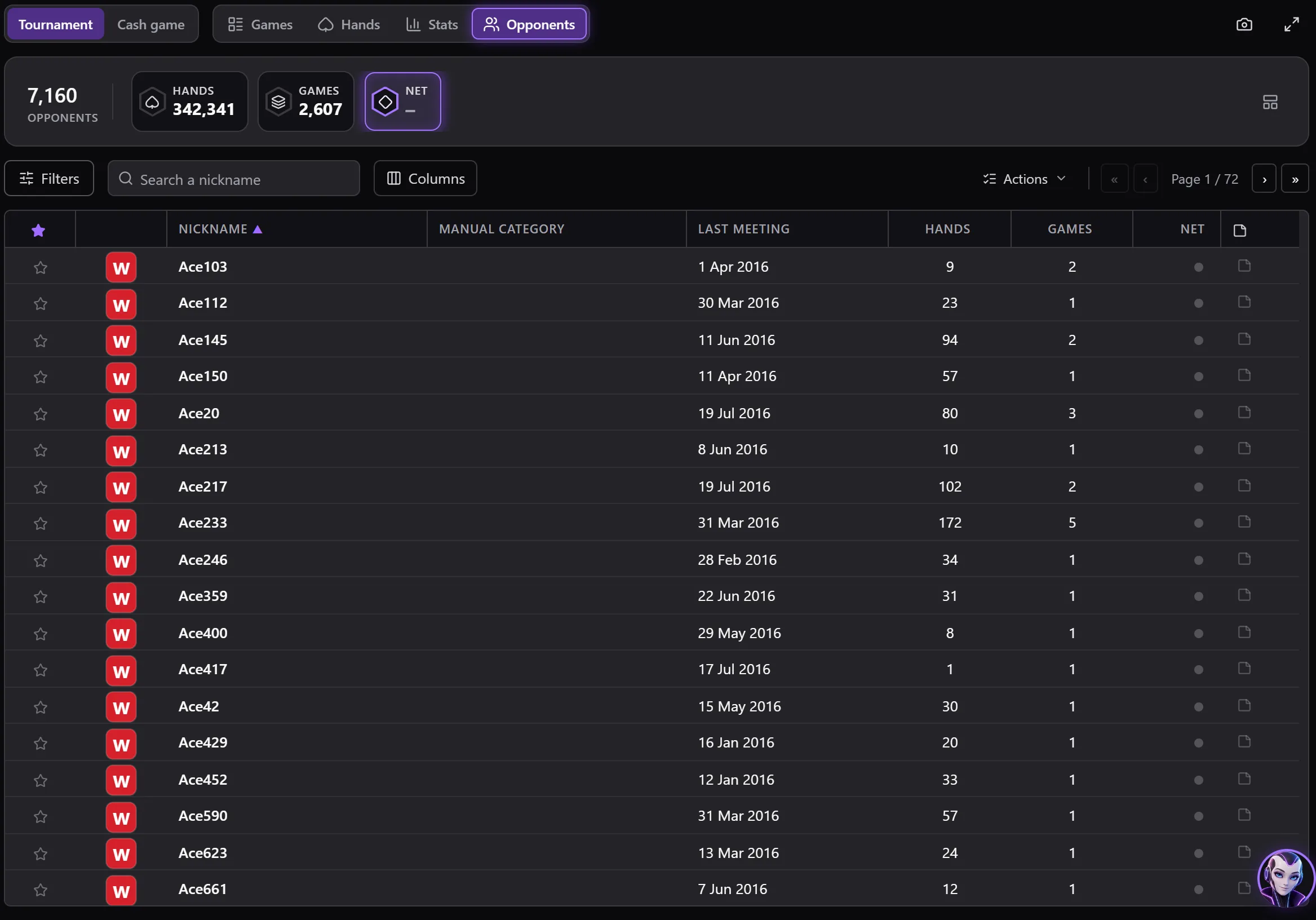
Data › Opponents: one player per line, among those met in the games of the filter.
The list
- The summary bar: the Opponents, their Hands (a hand counts for each of its players), their Games (each one once), their Net.
- Search a nickname, and Filters: the games' tabs get the player's criteria on top (their name, their hands, Minimum nb games, their categories, the bookmarks, those Recently viewed).
- The columns: the bookmark star, the room, the Nickname (your nicknames underlined in blue), the Manual category, the Last meeting, the Hands, the Games, the Net (converted into your preferred currency) and the Notes.
- A double-click: Open stats.
Actions
Actions menu, or right-click:
| Action | What it does |
|---|---|
| Add a note / Modify note | Opens their notes (see below). |
| Categorize | Gives them a category; Player categories sets the categories. |
| Bookmarks | Bookmarks them, or removes their bookmark. |
| Games | Games list, Games results, Games evolution. |
| Hands | Hands list, Hands results, Hands evolution. |
| Open stats | The Stats module on this player. |
| Compare two players | With two players selected: see below. |
| Export all | The list in a file. |
Their games, their hands and their stats open with this player as the player shown (see Player and filters).
Notes
A player's notes window: the text, their Manual category, Add date (Ctrl+T), then Save or Cancel. A link to a hand (“[Hand #…]”) opens the hand in the replayer. With automatic note saving (HUD options), everything is saved while you type.
Comparing two players
Select two players, then Compare two players: their stats side by side, on the games of the filter, one variant per tab.
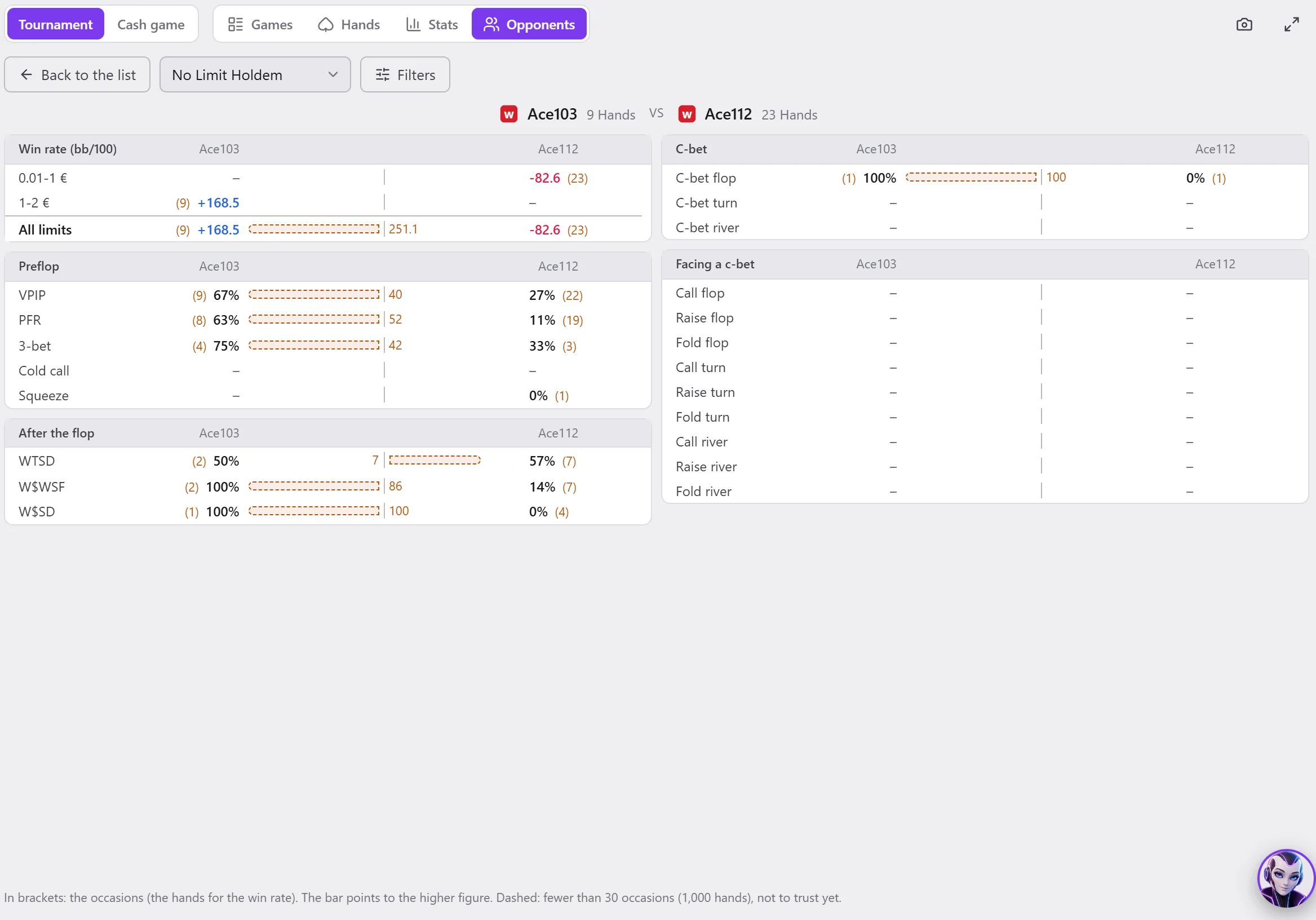
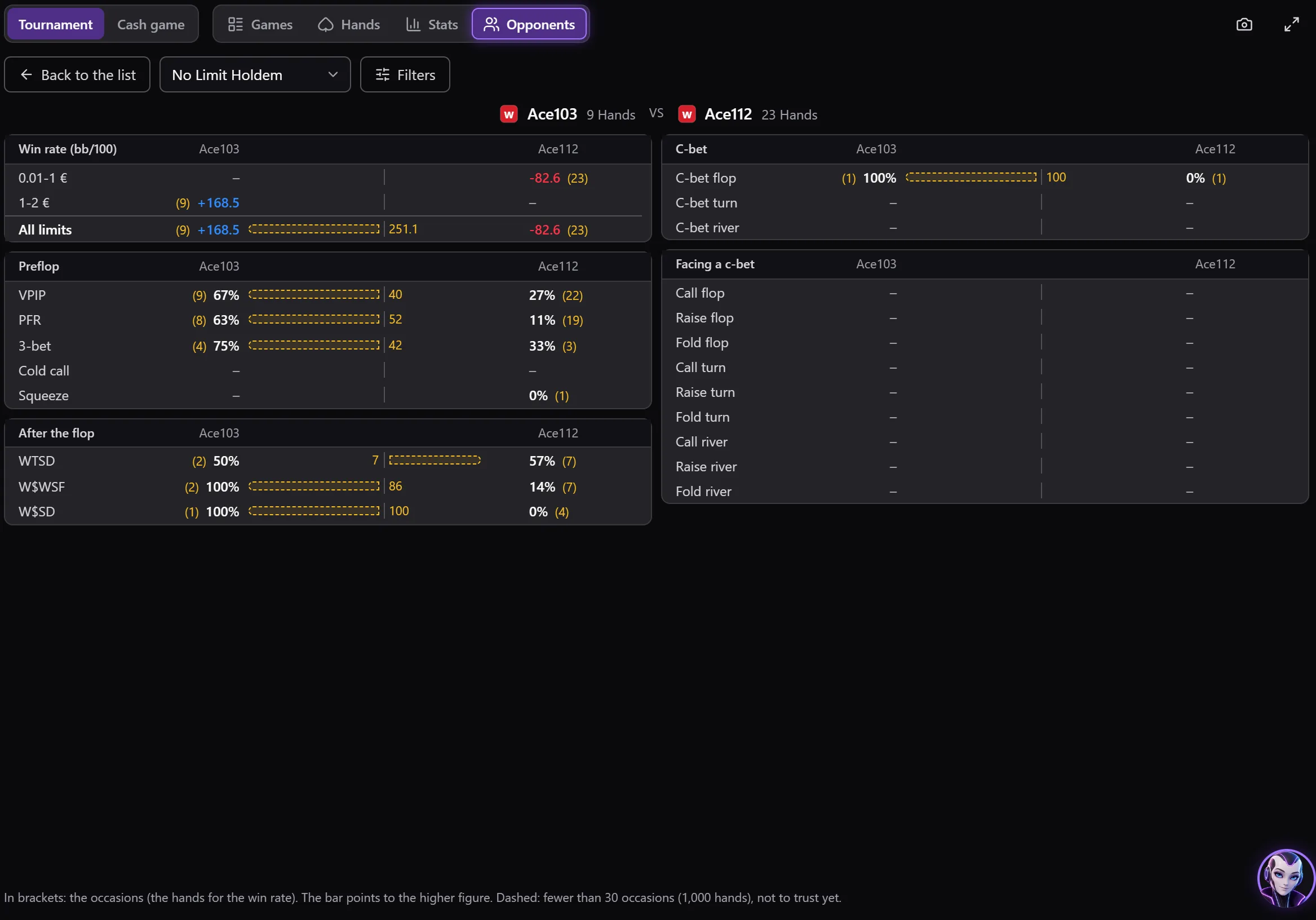
- The blocks: Preflop, After the flop, Facing a c-bet (Call, Raise, Fold), the Win rate (bb/100) by limit and All limits.
- In brackets: the occasions (the hands for the win rate). The bar goes towards the higher figure. Dotted: too few occasions, the gap does not mean anything yet.
- Back to the list (or Esc).
To compare a player with all the others: Population.